CapCut APK Download
CapCut APK Download (Latest Version) for Android
Looking for the CapCut APK? This page gives you the latest version of CapCut for Android, downloaded directly from CapCut's official server. It also covers the main features, what your phone needs, how to install it, and how to fix common problems.

CapCut APK Download
- Version
- Latest
- Size
- 305 MB
- Platform
- Android
- Price
- Free
Served directly from CapCut's official download server. capcutx.app doesn't host or modify files and isn't affiliated with CapCut or ByteDance.
Contents
- What is the CapCut APK?
- CapCut APK latest version info
- Main features
- Requirements
- CapCut APK download and install steps
- APK vs Google Play version
- How to use CapCut (beginner's guide)
- Is the CapCut APK safe?
- CapCut Free vs Pro
- What CapCut users say
- Tips for better edits
- Common problems and fixes
- Alternatives
- All CapCut guides
- FAQs
What is the CapCut APK?
CapCut is a free video editing app made by ByteDance, the company behind TikTok. An APK (Android Package Kit) is the file format Android uses to install apps. So the "CapCut APK" is simply the installer file for the CapCut Android app.
When you install CapCut from Google Play, your phone downloads and installs this file for you. People usually download the CapCut APK directly when they:
- use a phone without Google Play (some Huawei and Honor phones, custom ROMs, Android TV boxes, Chromebooks),
- can't find CapCut in their Play Store region,
- want to keep the installer to set up several devices, or
- have a slow Play Store download and want a direct file instead.
CapCut is a favourite of TikTok, Instagram Reels and YouTube Shorts creators. It gives you a multi-track timeline, auto captions, AI effects, keyframe animation and thousands of ready-made templates, all on your phone.
CapCut APK latest version: file information
| App name | CapCut – Video Editor |
|---|---|
| Developer | ByteDance (Bytedance Pte. Ltd.) |
| Package name | com.lemon.lvoverseas |
| File size | 305 MB |
| Version | Latest official release (how to check) |
| Download source | CapCut official server (tiktokcdn.com) |
| Category | Video Players & Editors |
| Price | Free (optional CapCut Pro) |
| Platforms | Android, iOS, Windows, macOS, Web |
| Watermark | None on normal exports |
| Max export | Up to 4K, 60 fps (depends on device) |
To check the exact version, open CapCut, tap the Settings (gear) icon on the home screen, and scroll to the bottom. Or go to Android Settings → Apps → CapCut.
Main features of the CapCut APK
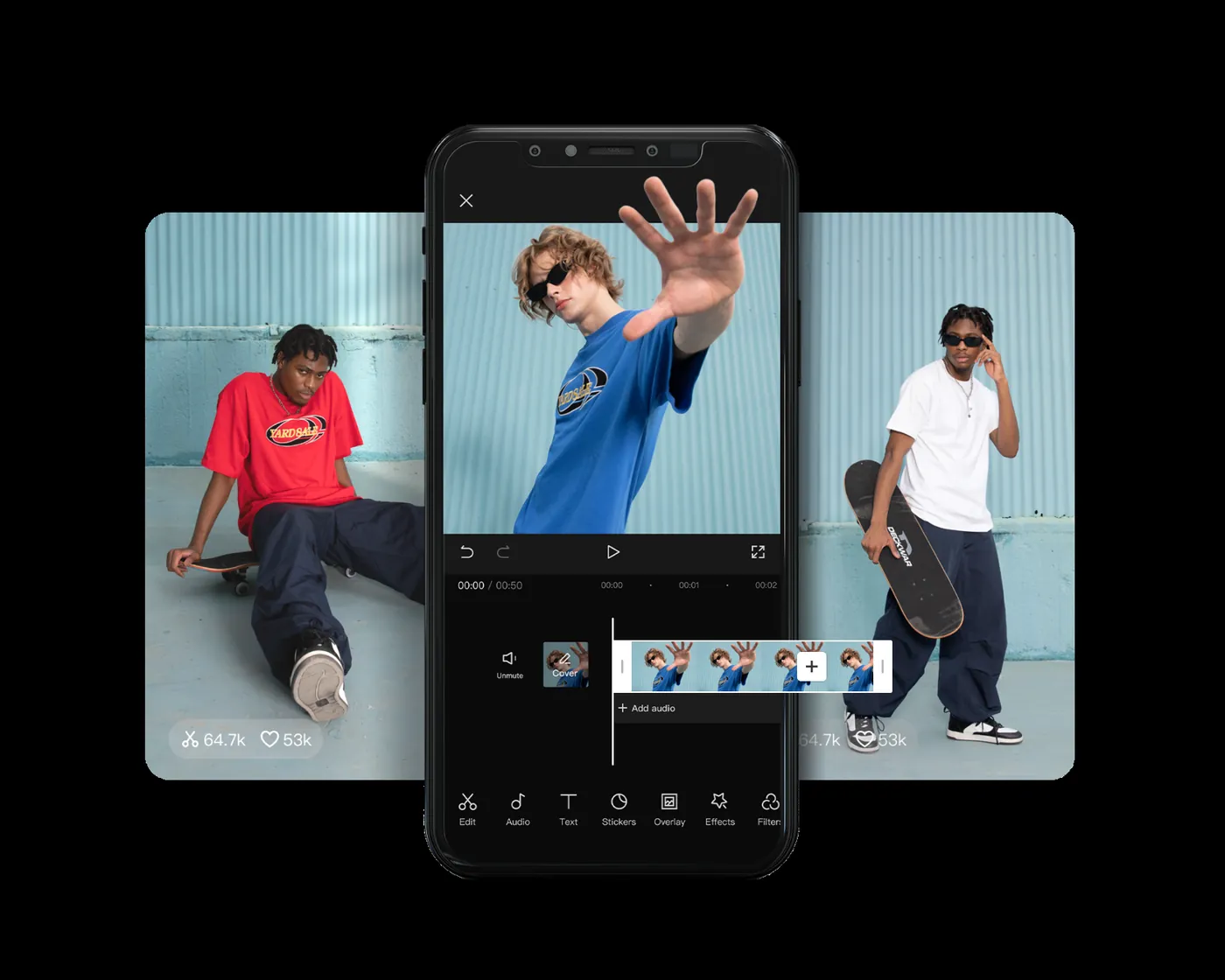
1. Easy multi-track timeline
Split, trim, merge and reorder clips with simple gestures. You can stack video overlays, text, stickers and audio on separate tracks, much like desktop editors.
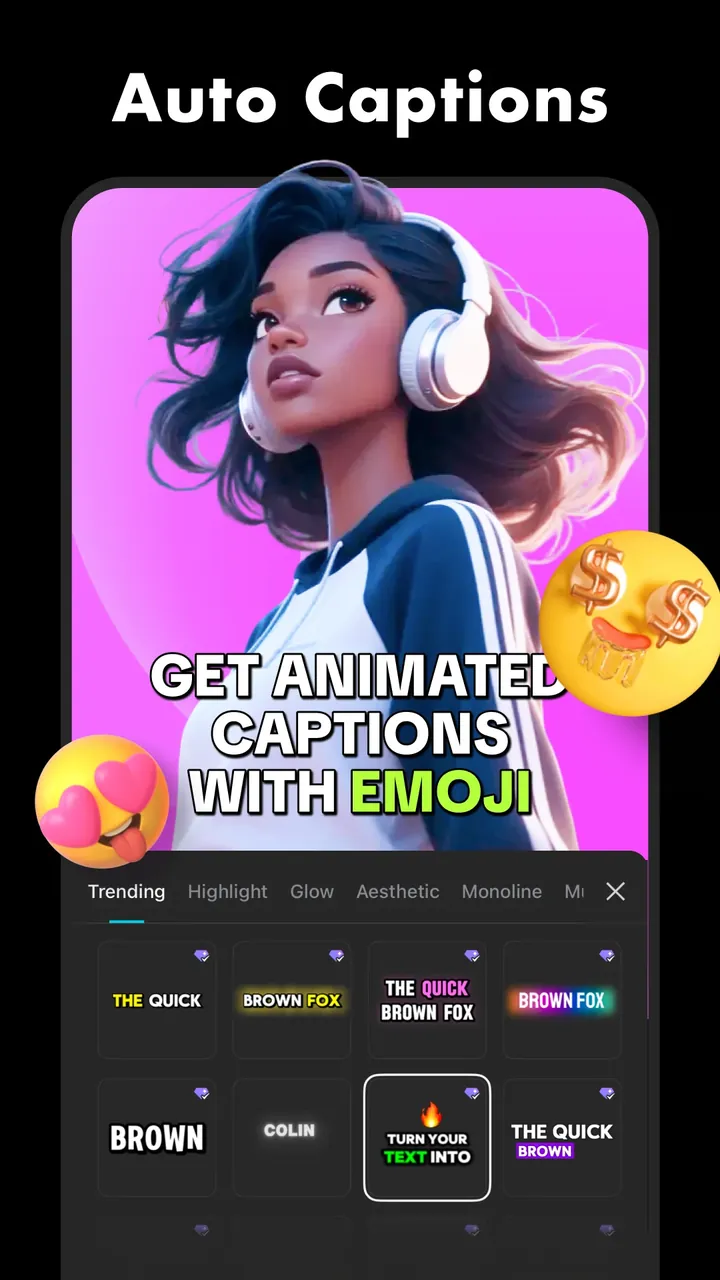
2. Auto captions
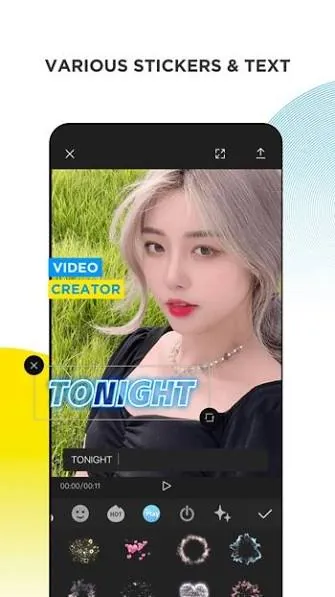
CapCut listens to your video and turns speech into subtitles in many languages. You can then change the font, colour and animation. This saves hours on talking-head and tutorial videos.
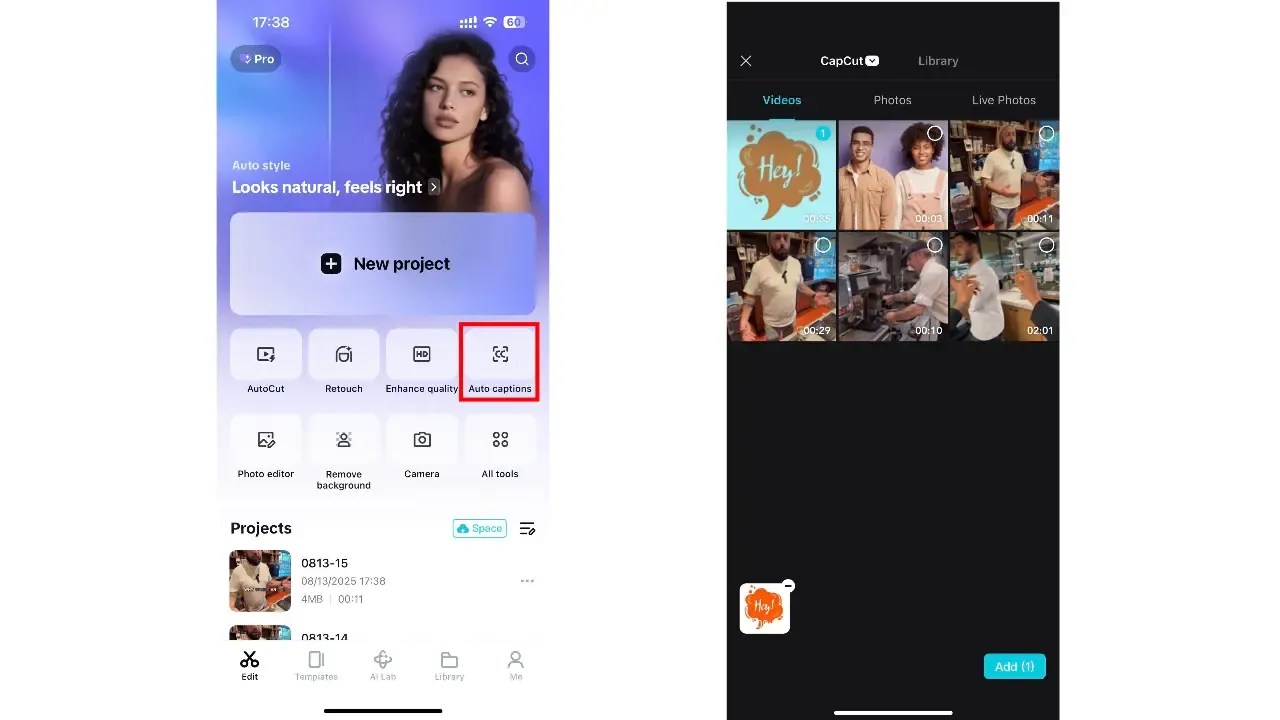
To use it, tap Auto captions on the CapCut home screen, pick your video, and CapCut writes the subtitles for you.
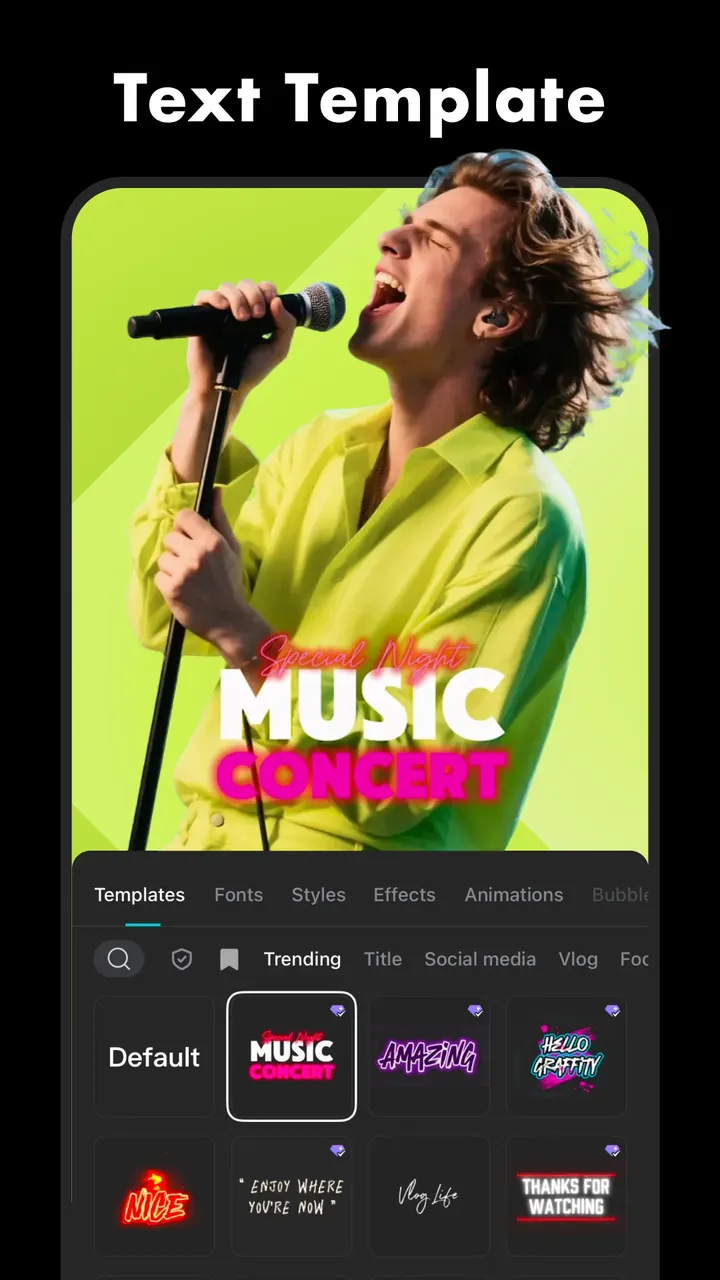
3. Templates
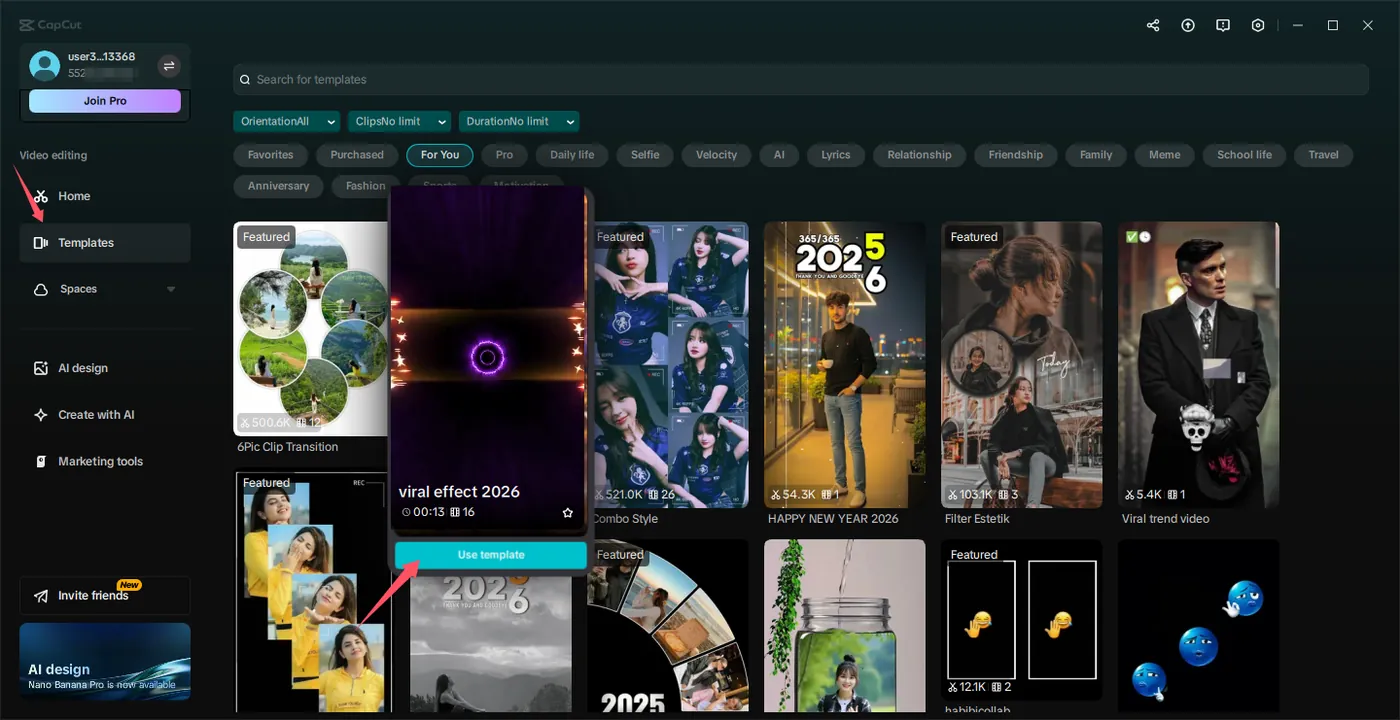
Thousands of trending templates let you make a video in seconds. Pick one, add your photos or clips, and CapCut matches the cuts to the beat. Learn more in our CapCut templates guide.
4. AI tools
- Background removal: cut yourself out of a video without a green screen.
- Text-to-speech and voice changer effects.
- Auto reframe: turn horizontal videos into 9:16 for Shorts and Reels.
- Enhance and noise reduction for clearer image and sound.
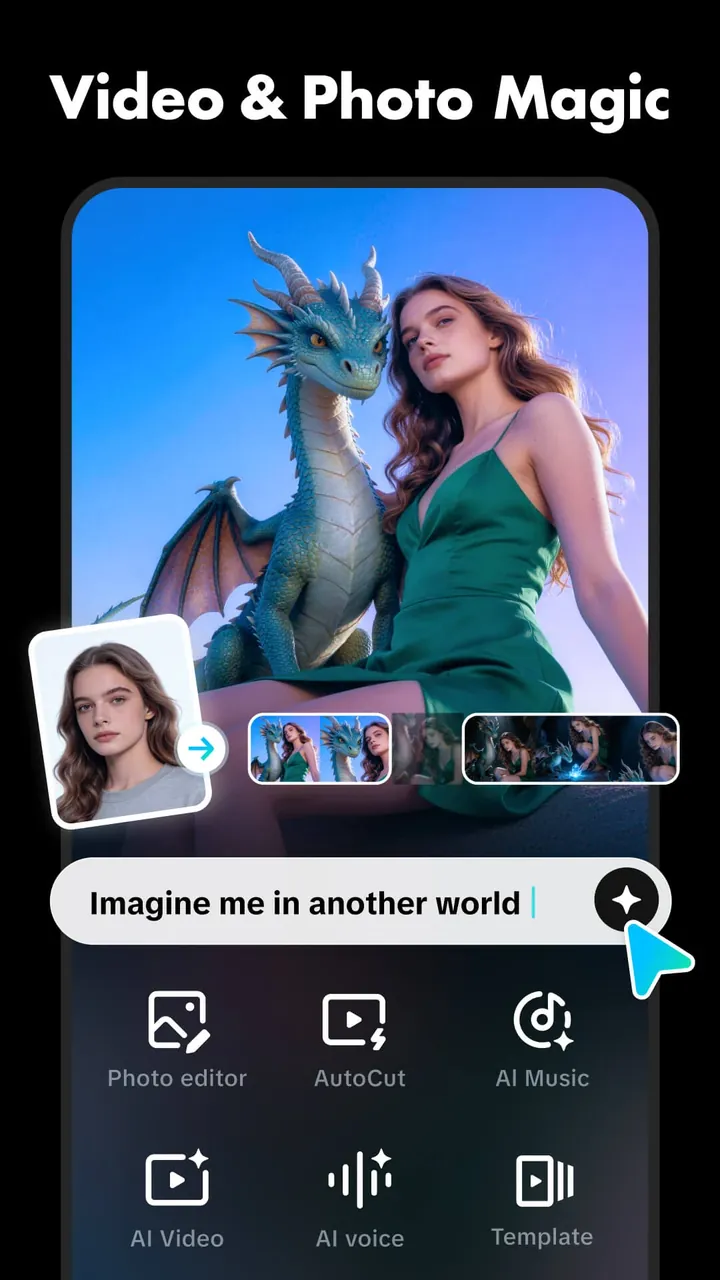
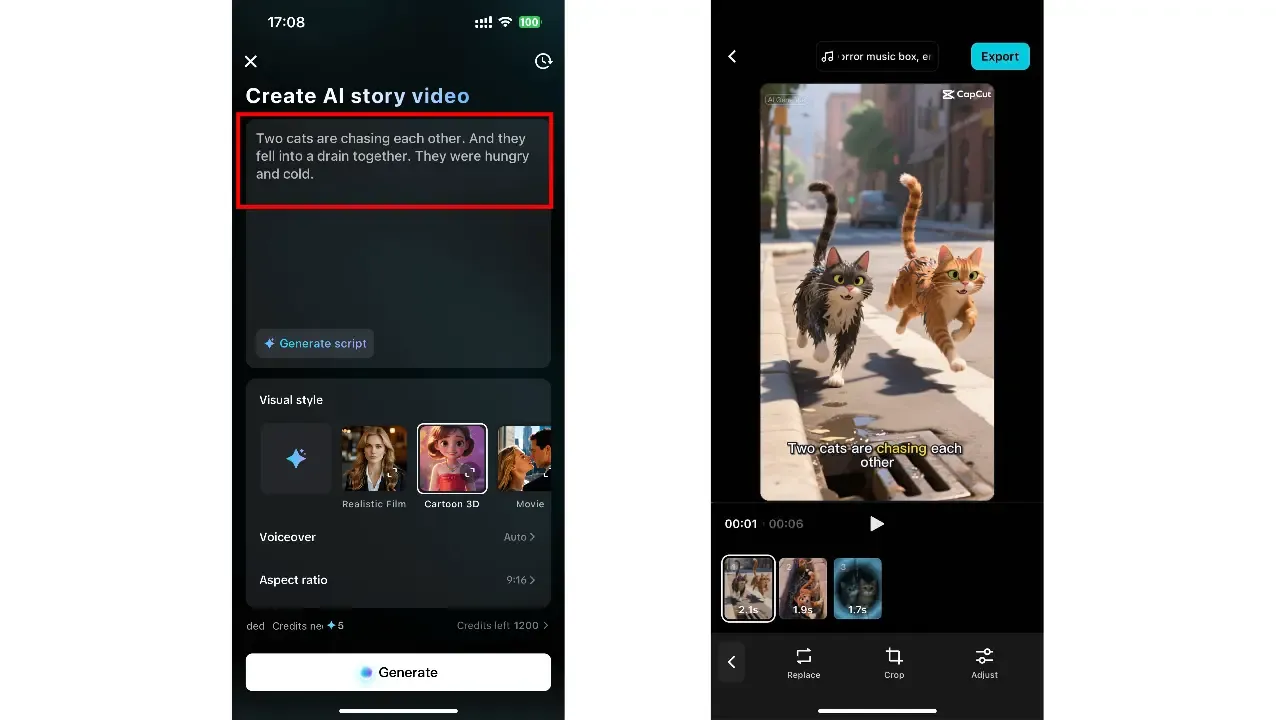
- AI story video: type a short story, pick a visual style, and CapCut generates the scenes, voiceover and captions.
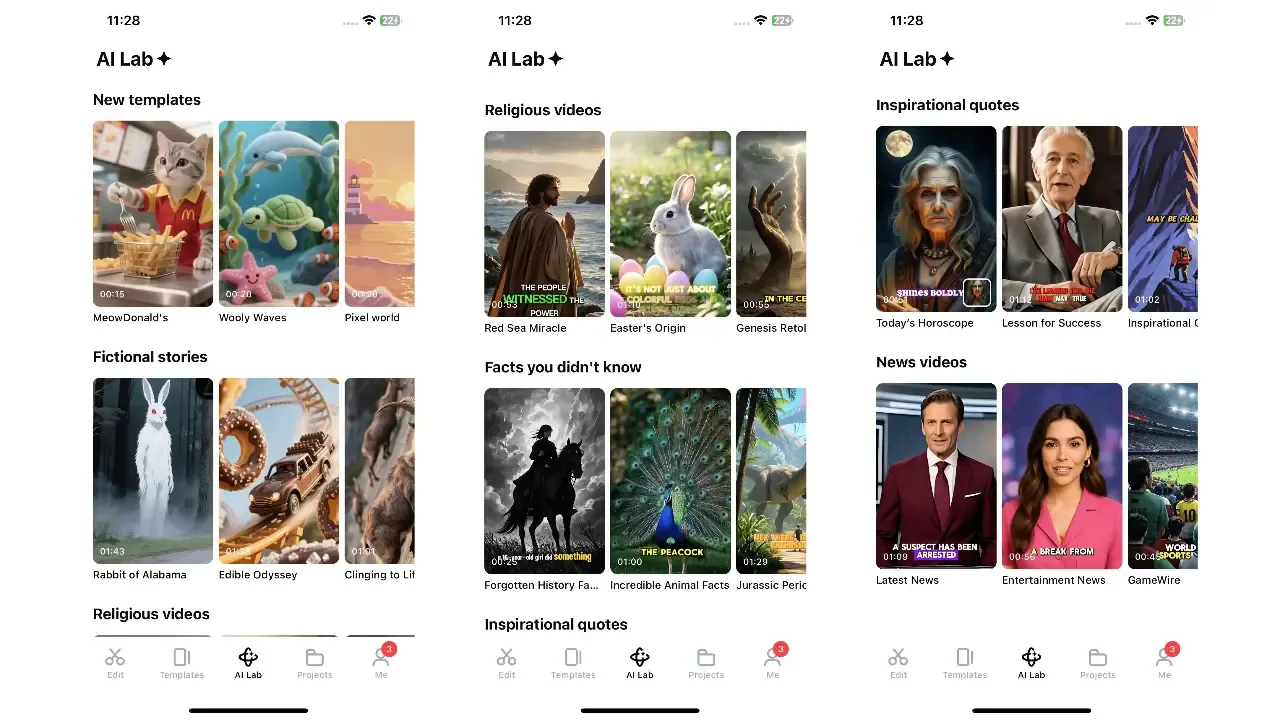
- AI Lab: ready-made AI video formats such as fictional stories, fact videos, inspirational quotes and news-style clips.
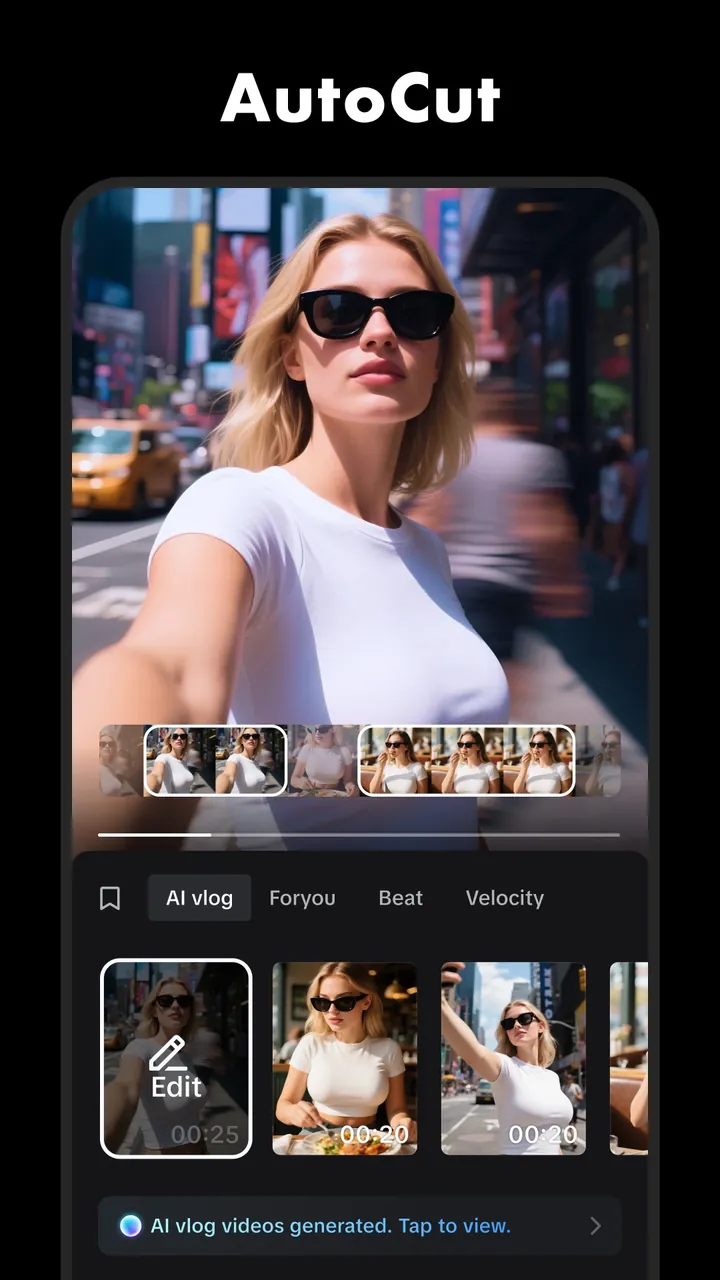
- AutoCut: pick your clips and CapCut edits them into a finished video (vlog, beat-synced or velocity style).
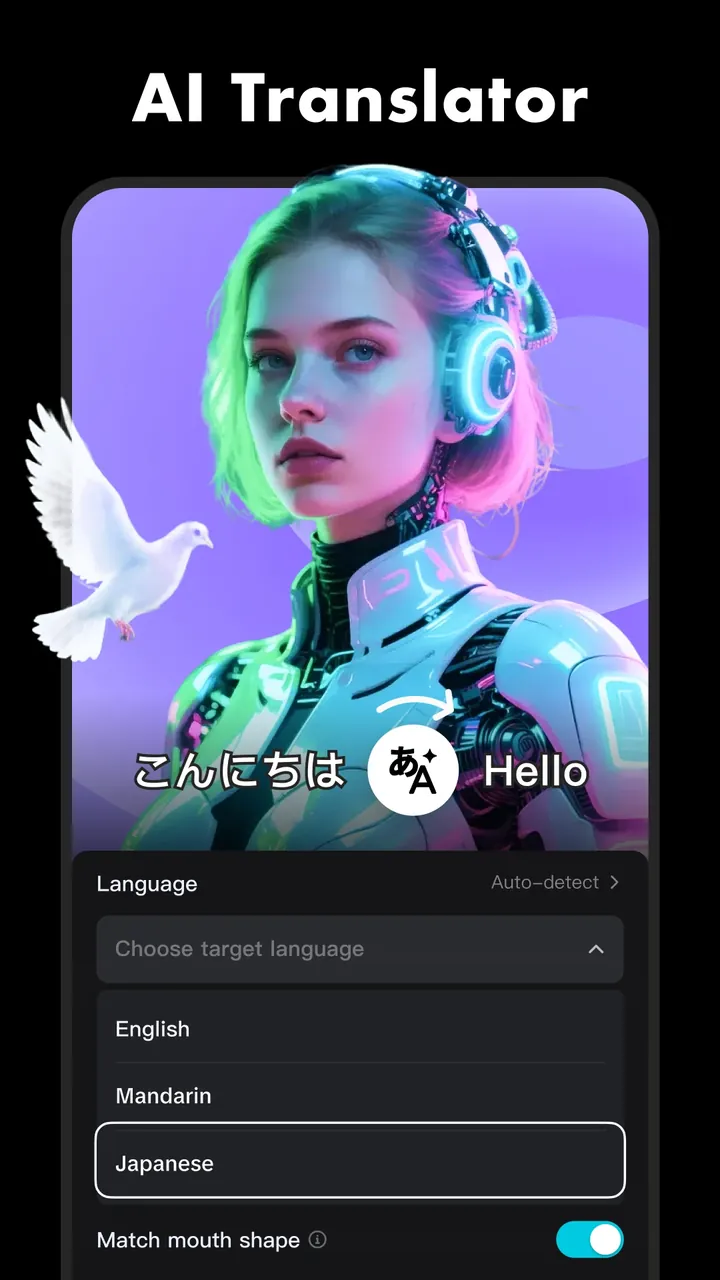
- AI translator: translate and dub your voice into other languages, with optional lip-sync.
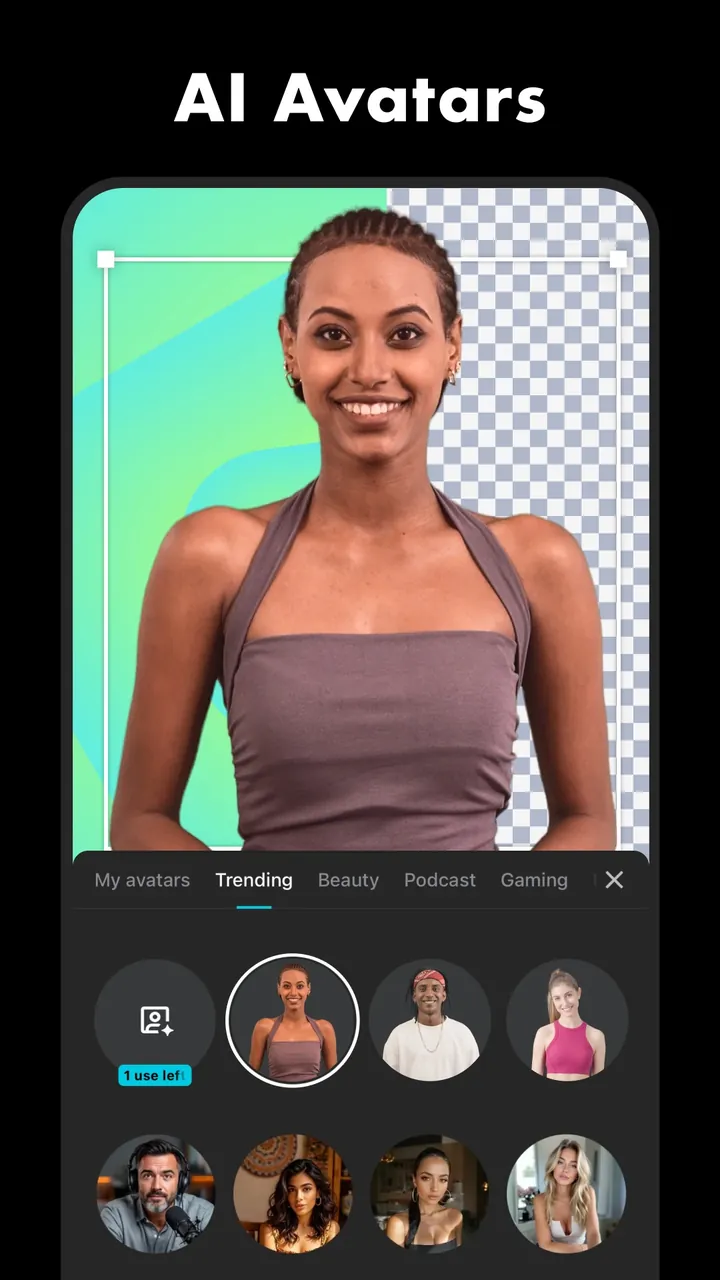
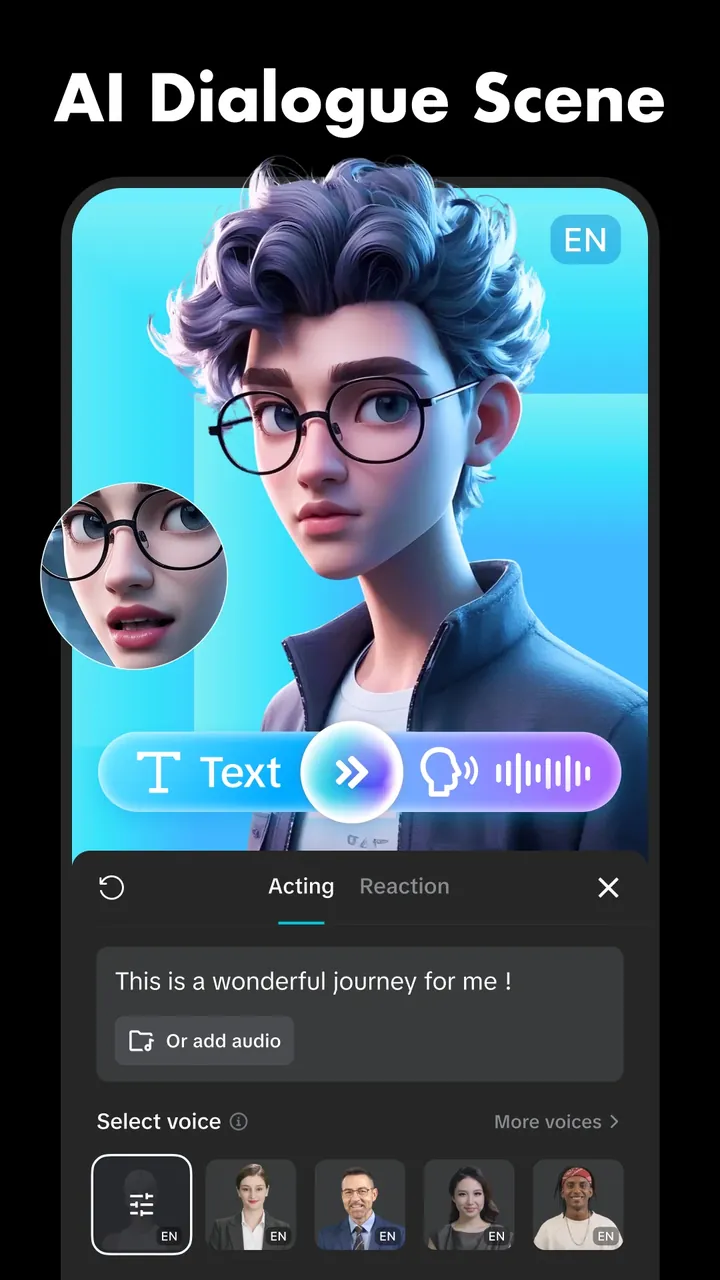
- AI avatars and AI dialogue scenes: turn text into a talking avatar or a voiced character scene.
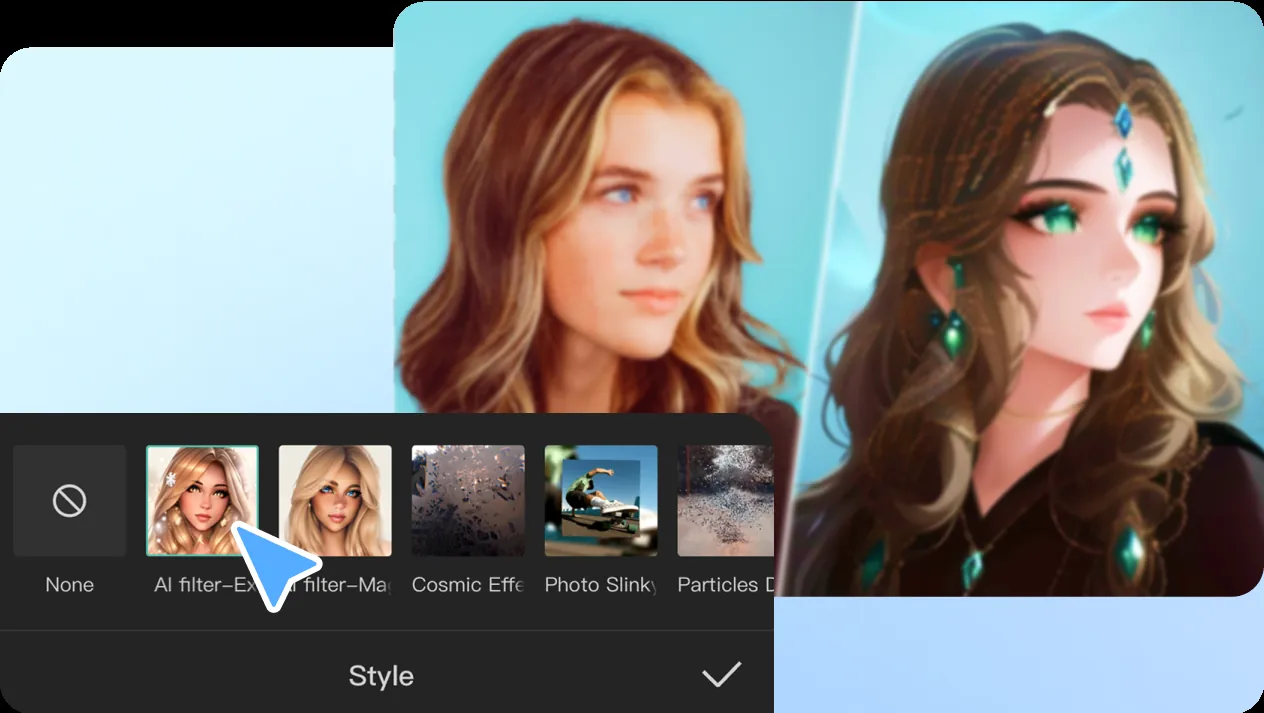
- AI styles: restyle a photo or clip, for example from a real photo to anime.
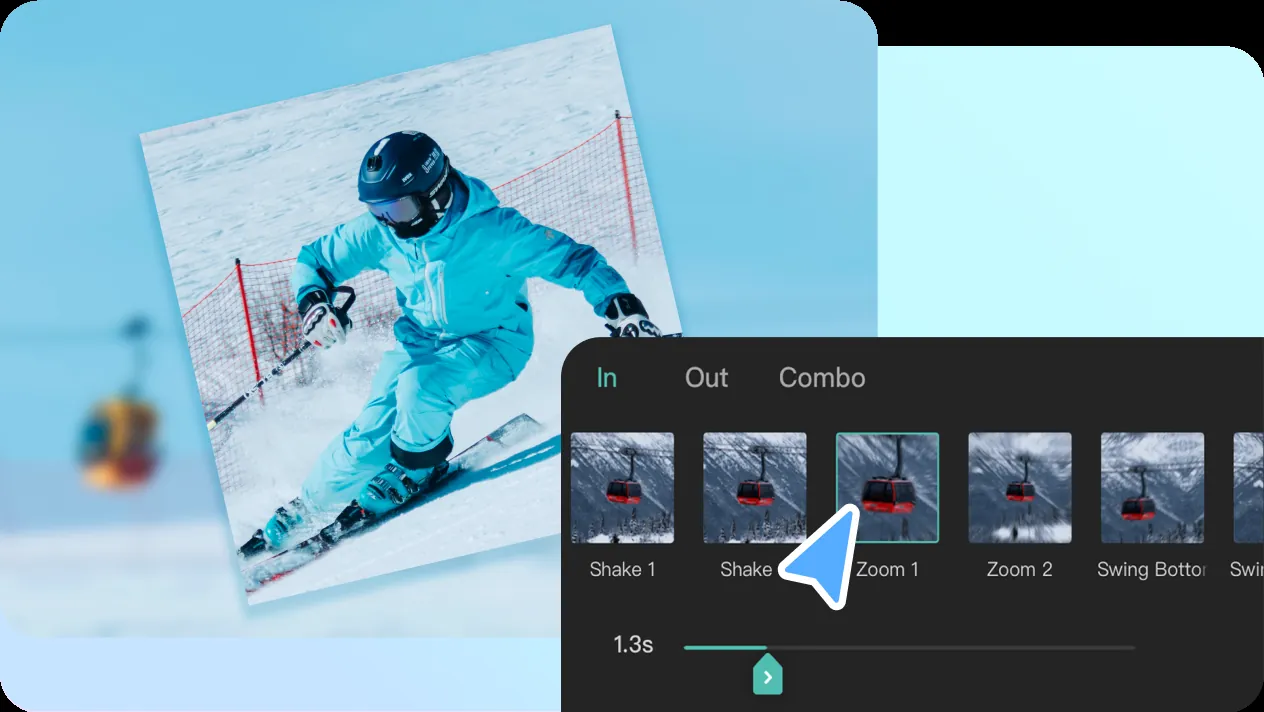
5. Keyframes, speed curves and transitions
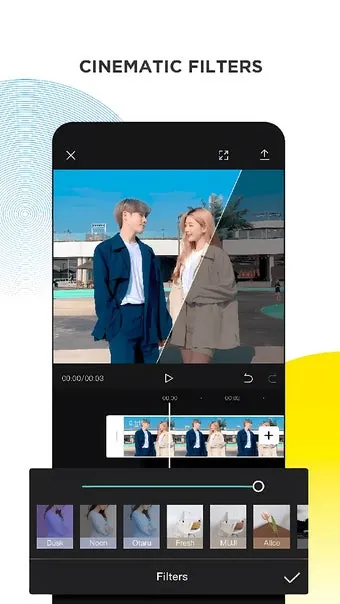
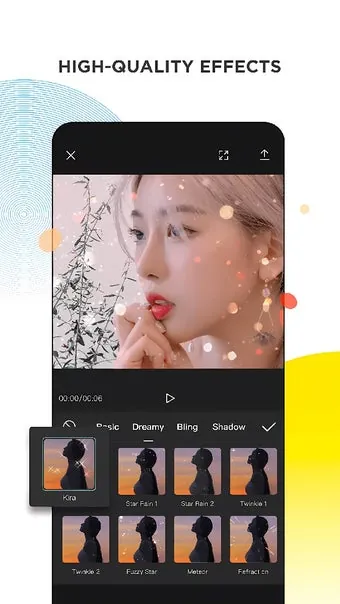
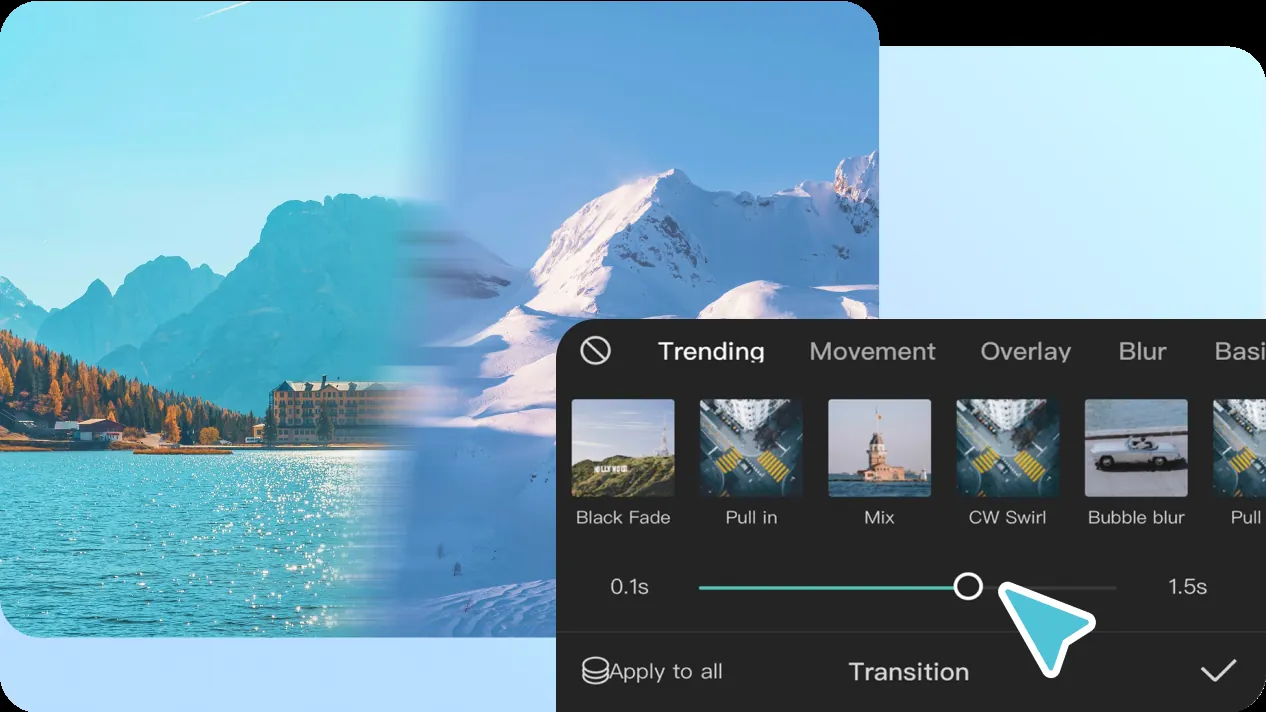
Animate position, scale, rotation and opacity with keyframes. Speed curves make smooth slow-motion and "velocity" edits. A big library of transitions, filters and effects covers everything else.
6. Music and sound effects
Add songs and sound effects from the built-in library, pull audio from other videos, or record a voiceover in the app. Beat markers help you cut to the rhythm.
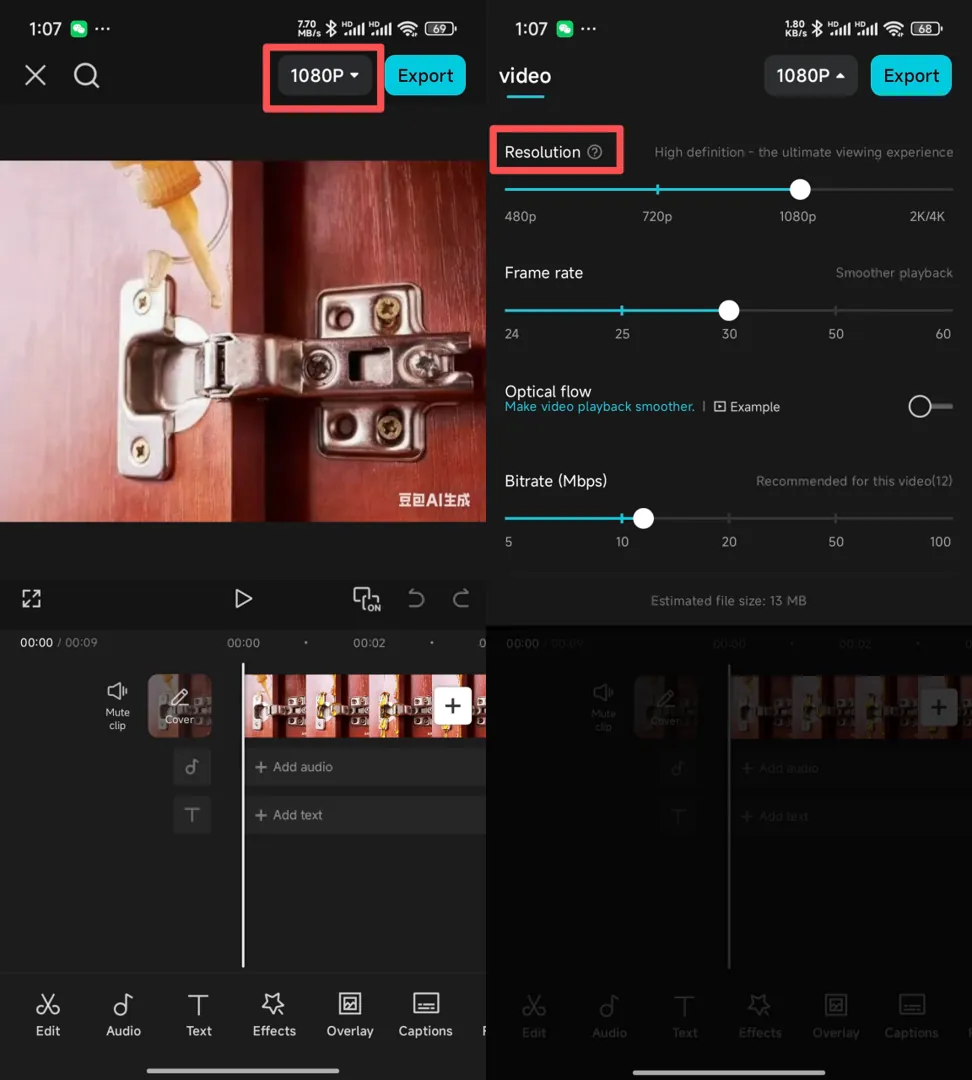
7. HD export with no watermark
Export up to 4K at 60 fps and share straight to TikTok, Instagram, YouTube or WhatsApp. Here's how to make sure there's no CapCut logo on your video.
CapCut APK requirements
| Android version | A recent Android version (the Google Play listing shows the current minimum) |
|---|---|
| RAM | 3 GB minimum; 4 GB or more recommended for 1080p/4K editing |
| Storage | About 305 MB for the download, plus 1–2 GB free for the app, cache and exports |
| Processor | 64-bit (arm64) recommended |
| Internet | Needed for templates, effects, music and AI features |
CapCut APK download: how to install it on Android
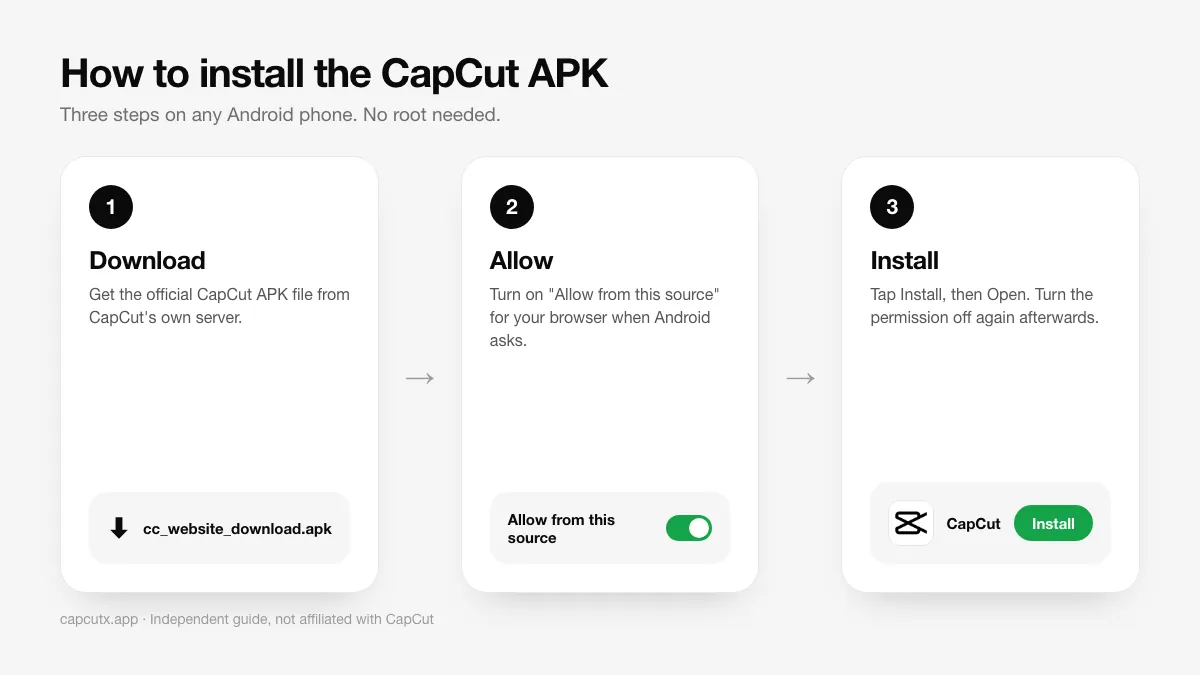
Method 1: Direct APK download (no Play Store needed)
- Tap the Download CapCut APK button above. The file (305 MB) downloads from CapCut's official server.
- When the download finishes, open the file from your notification bar or the Downloads folder.
- If Android asks, tap Settings and turn on Allow from this source for your browser.
- Go back and tap Install.
- Open CapCut, allow access to photos and media, and start editing.
- For safety, turn "Install unknown apps" back off afterwards.
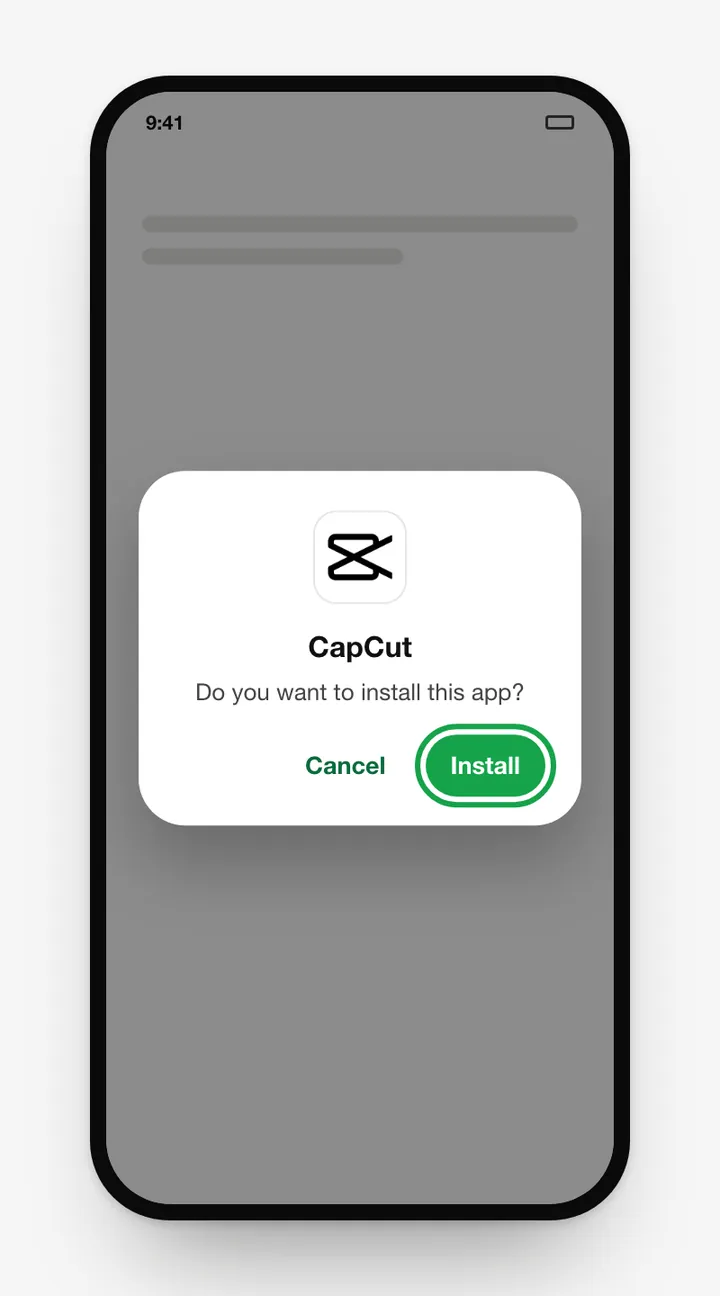
Need screenshots or stuck on an error? Read the full CapCut APK install guide.
Method 2: Google Play
- Tap the Google Play button above.
- Tap Install, then Open.
Updates are automatic with this method, and Google Play Protect scans the app.
Updating the CapCut APK
Installed from Play? Updates are automatic. Installed the APK yourself? Download the newest file from this page and install it over the old one. Your drafts are kept, because the package name and signature are the same. Looking for an older build? See CapCut old versions.
CapCut APK vs Google Play version
| Direct APK | Google Play | |
| Same official app | Yes | Yes |
| Works without Google Play | Yes | No |
| Automatic updates | No (manual) | Yes |
| Keep the installer for other devices | Yes | No |
| Best for | Huawei, custom ROMs, TV boxes, offline installs | Most phones |
Both install the same app with the same package name, so you can switch between them without losing drafts.
How to use CapCut: beginner's guide
Just installed the CapCut APK? Here's how to make your first video in five minutes.
- Start a project: tap New project, select your clips and photos in the order you want, and tap Add.
- Set the format: tap Ratio and pick 9:16 for TikTok, Reels and Shorts, or 16:9 for YouTube.
- Trim and split: tap a clip, drag its white edges to trim, or move the playhead and tap Split to cut it in two.
- Add music: tap Audio → Sounds to use the library, or Extracted to pull audio from another video.
- Add text and captions: tap Text → Add text for titles, or Text → Auto captions to subtitle your speech automatically.
- Add transitions: tap the small white square between two clips and pick a transition.
- Apply effects and filters: use Effects for motion effects and Filters for colour.
- Export: tap the resolution label at the top right, choose 1080p and 30 fps, then tap the export arrow. Save to your gallery or share to TikTok directly.
Want a shortcut? Skip editing and use a CapCut template instead.
Is the CapCut APK safe?
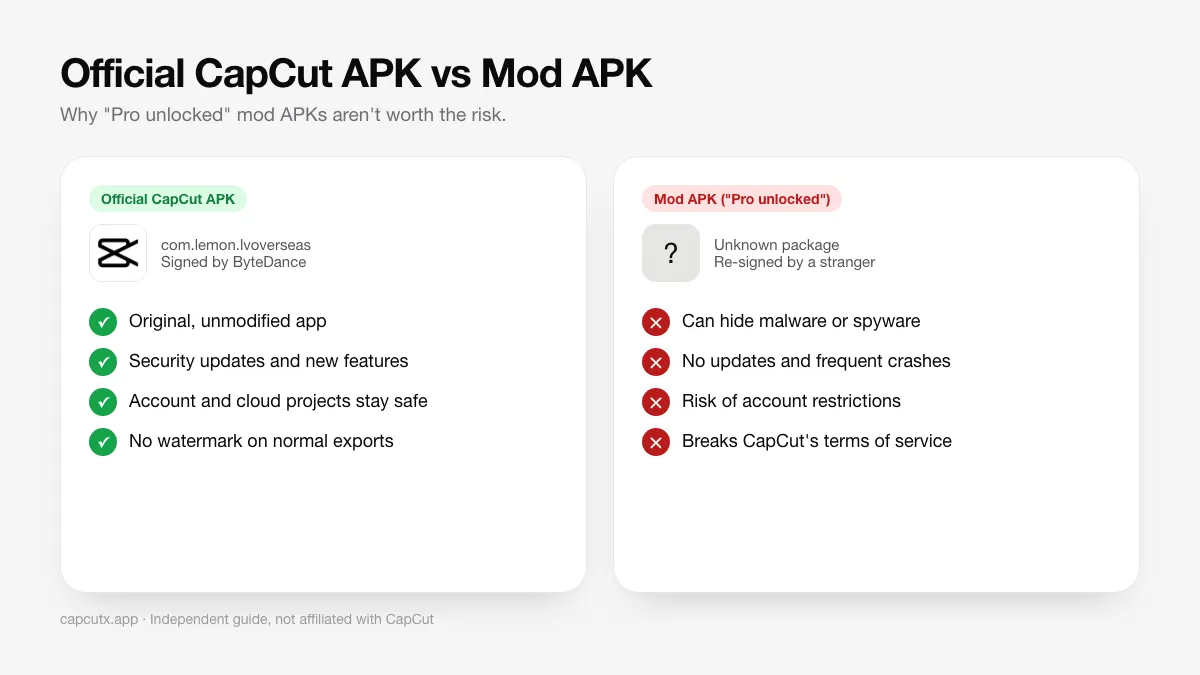
Yes. The APK on this page comes straight from CapCut's official download server, and we don't modify or re-upload it. Many other sites, however, push a "CapCut Mod APK" or "CapCut Pro APK unlocked". Avoid them:
- Malware risk: modified APKs are re-signed by strangers and can contain spyware, adware or banking trojans.
- Account bans: CapCut can detect modified clients.
- No updates: mods break often and miss security fixes.
- Piracy: unlocking paid features breaks CapCut's terms of service.
We explain this in detail in CapCut Mod APK: is it safe?
com.lemon.lvoverseas and is signed by ByteDance. If Android warns that the app "conflicts with an existing package" or the signature doesn't match, delete the file.CapCut Free vs CapCut Pro
| Feature | Free | Pro |
|---|---|---|
| Timeline editing, text, music | Yes | Yes |
| Export up to 4K, no watermark | Yes | Yes |
| Basic templates and effects | Yes | Yes |
| Premium effects, filters, templates | Limited | Yes |
| Advanced AI tools | Limited | Yes |
| Cloud storage | Small | Large |
For most beginners and casual creators, the free version is plenty. Read our CapCut Pro guide to decide if upgrading is worth it.
What CapCut users say
Millions of creators use CapCut every day. Here's what some of them say in reviews shown on CapCut's official website. Reviews written in other languages are translated into English.
Store ratings for CapCut as listed in October 2026.
"We've been using CapCut for about 1 year and really enjoy the ease of use that it provides as well as being able to store things in the 'cloud' across our various devices."
kat-pin · Aug 2023
"A convenient, easy-to-use app. Even people who are new to editing can use it."
cao kieu bao uyen · Aug 2023 · Translated from Vietnamese
"It really helps me create content and makes it easier to get a better experience."
Kaesang38 · Aug 2023 · Translated from Indonesian
"I edit videos with it. There are so many features, and trying out the new ones is amazing."
kou ing · Jul 2023 · Translated from Japanese
"I've been using it for months now and I have to say the service it offers for FREE is excellent... you can't find software like this for free."
CKingEdit · Aug 2023 · Translated from Italian
"I love it so much... it's my all-time favourite app."
졍나무 · Aug 2023 · Translated from Korean
7 tips to edit better videos in CapCut
- Set the ratio first: choose 9:16 for TikTok, Reels and Shorts before you edit.
- Hook in the first 2 seconds: start with your best clip and a big title.
- Use auto captions: most people watch with the sound off.
- Cut on the beat: use the "Beats" tool to add markers to your music.
- Don't overuse transitions: simple cuts usually look more professional.
- Export at 1080p, 30 fps for social media. It's smaller and uploads faster with almost no visible loss.
- Clear the cache in CapCut settings now and then to free up storage.
Common CapCut APK problems and fixes
"App not installed"
An older copy with a different signature is on the phone, the file is damaged, or storage is full. Uninstall the old version, free up space, and download again.
"There was a problem parsing the package"
The download was incomplete, or your Android version is too old. Download the file again on stable Wi-Fi, or update your phone.
CapCut crashes, lags or won't open
Close background apps, clear CapCut's cache, lower the preview quality, and update to the latest version. Our CapCut not working guide has every fix.
Templates or effects won't load
Check your connection, update the app, and make sure CapCut is available in your region.
CapCut alternatives
If CapCut doesn't suit you, VN, InShot, KineMaster, PowerDirector and YouTube Create are all good options. We compare them in best CapCut alternatives.
Conclusion
The CapCut APK gives you one of the most powerful free video editors on Android. Download it from the official link on this page, keep it updated, and stay away from modded versions. Then open a template or a blank project and start creating.
All CapCut guides
Step-by-step help for everything after you download the CapCut APK: installing, fixing errors, editing and more.
 How to Install CapCut APKStep-by-step guide to install the CapCut APK on any Android phone, tablet, Huawei device or Android TV, plus fixes for 'App not installed' and parsing errors.
 CapCut for PCDownload CapCut for PC free on Windows 10, Windows 11 and macOS.
 CapCut Mod APKThinking of downloading CapCut Mod APK or CapCut Pro APK unlocked? Learn the real risks (malware, bans, data theft) and safe ways to get Pro features.
 CapCut ProWhat do you get with CapCut Pro? Compare CapCut Free vs Pro features, how to check the price in your country, the free trial, and how to cancel.
 CapCut for iPhone & iPadHow to download CapCut on iPhone and iPad from the App Store, what to do if it's not available in your region, requirements, and iOS vs Android differences.
 CapCut TemplatesHow to find and use trending CapCut templates on Android and iPhone, how to edit them, export without the logo, and why templates sometimes don't show.
 CapCut Without WatermarkExport CapCut videos without a watermark for free.
 CapCut Not WorkingCapCut not working, crashing, lagging, stuck on export or templates not loading? Try these 12 proven fixes for Android, iPhone and PC.
 CapCut Old VersionThinking of installing a CapCut old version APK? Learn the risks, how to downgrade safely without losing drafts, and why the latest version is usually better.
 CapCut AlternativesThe best CapCut alternatives in 2026: VN, InShot, KineMaster, PowerDirector, YouTube Create, DaVinci Resolve and more, compared by price and watermark.
Frequently asked questions
Where can I download the CapCut APK safely?
Use the Download CapCut APK button on this page. The file comes straight from CapCut's official download server, so it's the original, unmodified app. Google Play is the other official source.
What is the latest version of the CapCut APK?
The download button on this page always serves the latest official CapCut APK. After installing, you can see the exact version number in CapCut under Settings, at the bottom of the page.
Is the CapCut APK free?
Yes. CapCut is free to download and use. Some premium effects, templates and cloud storage are part of the optional CapCut Pro subscription.
Is it safe to download the CapCut APK?
Yes, as long as you get it from an official source, such as the download button on this page (served from CapCut's own server) or Google Play. Avoid mod or "pro unlocked" APKs, which are often bundled with malware.
What is the CapCut APK package name?
The official CapCut Android package name is com.lemon.lvoverseas. If a file installs under a different package name, it is not the official app.
How big is the CapCut APK?
The current official APK file is about 305 MB. After installing, CapCut also stores effects, templates and cache, so keep at least 1–2 GB free.
Does CapCut add a watermark?
Normal exports have no watermark. Some templates add an ending clip with the CapCut logo, which you can delete. See how to remove the CapCut watermark.
Why is CapCut not available in my country?
CapCut is restricted in some regions because of local regulations, and there it may not appear on Google Play. Follow local laws and the app's terms of service.
Can I use the CapCut APK on PC?
You don't need the APK on a computer. CapCut has official desktop apps for Windows and macOS, plus a browser editor. See CapCut for PC.
How do I update the CapCut APK?
Download the latest APK from this page and install it over your current version. Your projects and settings are kept because the signature matches.